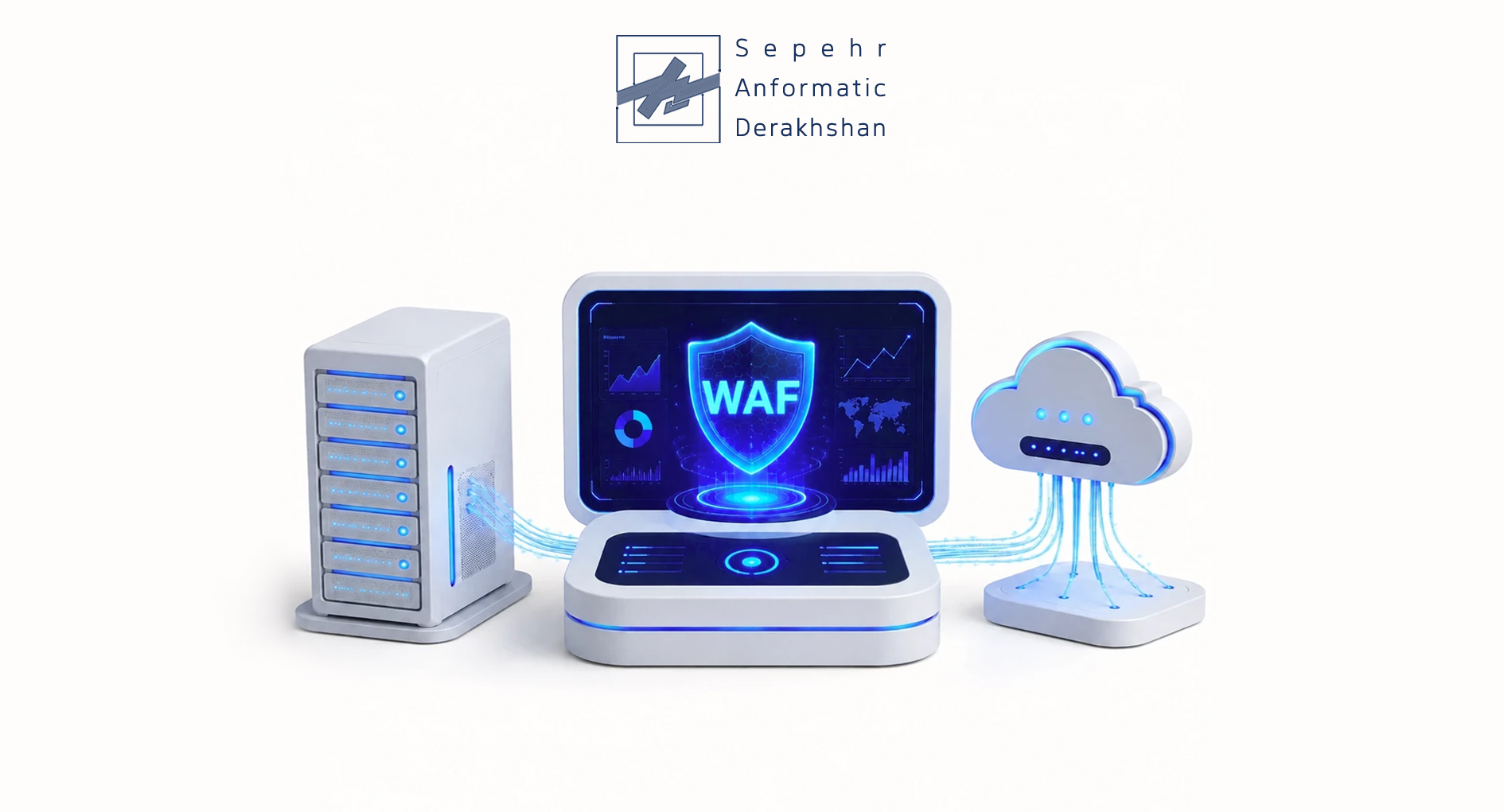
Do you run a website, an admin panel, an online store, or any web-based application? If you do, security is probably one of your biggest concerns. And one of the most important tools you can use to protect your web layer is a WAF, also known as a Web Application Firewall.
Think of a WAF as a smart security guard standing between internet users and your web application. It inspects every incoming request and separates safe traffic from malicious attacks. Unlike traditional firewalls that focus on IP addresses, ports, and protocols, a WAF analyzes the actual behavior of HTTP/HTTPS requests. It can detect and block attacks like SQL Injection, XSS, CSRF, and many other threats.
What Exactly Is a WAF (Web Application Firewall)?
You can think of a WAF as a specialized, intelligent gatekeeper for your website or web application. This security system sits right at the connection point between users, including regular visitors, bots, and attackers and your application’s server. Its main job is to monitor and filter all incoming HTTP/HTTPS traffic.
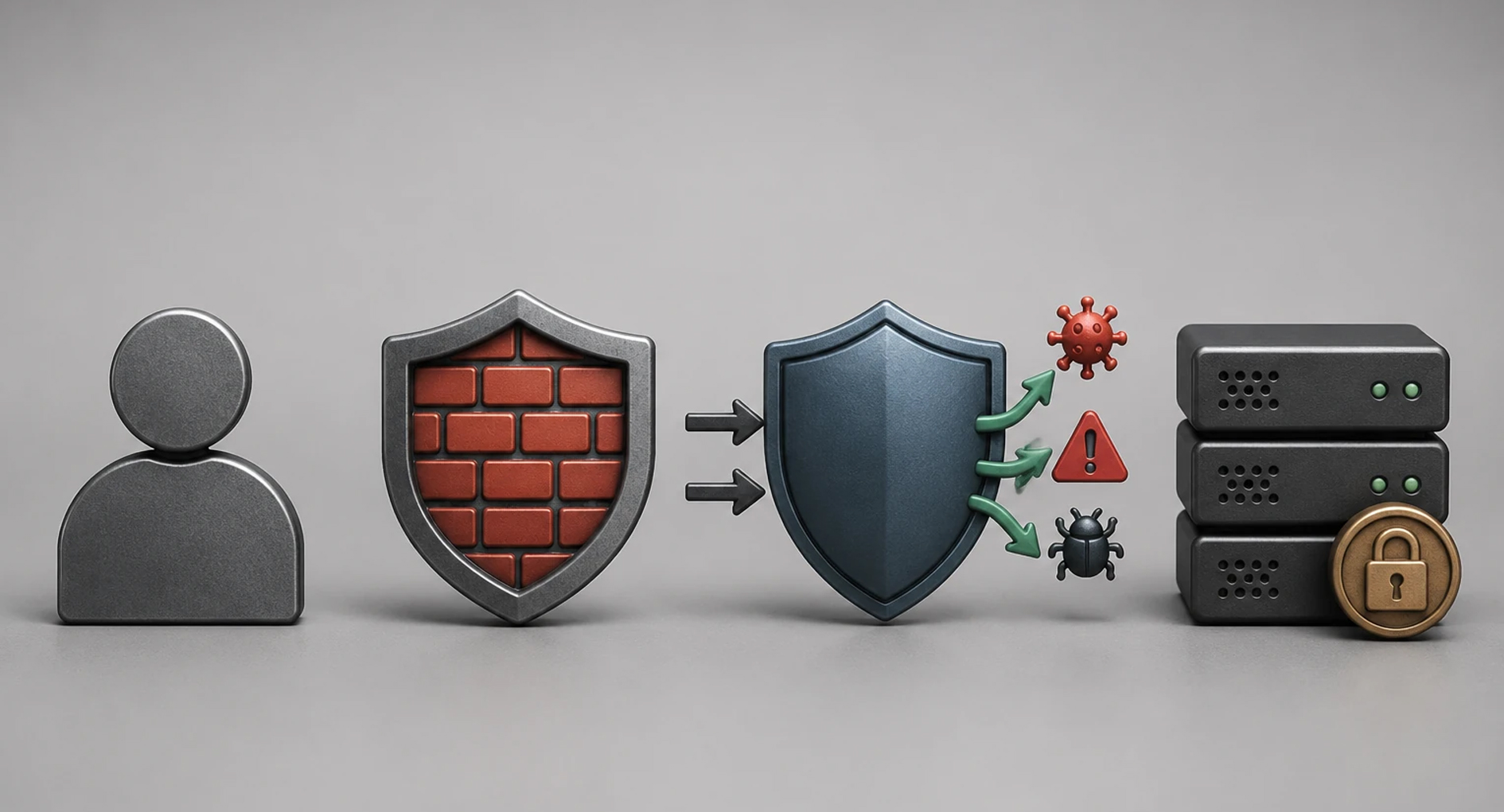 So how does a WAF actually work? It performs a deep inspection of each request’s content. This analysis lets the WAF identify malicious patterns, unusual behavior, or known attack signatures. When it finds something suspicious, a WAF can react in several ways:
- Block: Stops the malicious request from reaching your application.
- Throttle: Slows down incoming requests from a specific source to prevent DDoS or brute-force attacks.
- Log: Records details about the suspicious request for later analysis by your security team.
- Alert: Sends a notification to security admins so they can investigate immediately.
This protective layer defends against vulnerabilities in your application’s code, things like SQL Injection, Cross-Site Scripting (XSS), File Inclusion, and more. As a result, a WAF significantly reduces the risk of data breaches and exploitation.
Where Do You Actually Need a WAF? Key Use Cases
A web application firewall delivers the most value in specific operational environments, especially where data security and service uptime are absolutely critical.
- E-commerce websites: Protects customer payment data and prevents transaction tampering
- Banking and financial systems: Secures financial transactions, blocks fraud, and guards user account data
- Corporate dashboards and internal portals: Prevents unauthorized access to sensitive company information
- API: Secures communication between different services and prevents API abuse
- Government and educational portals: Keeps citizen and student data safe while ensuring service availability
- Any site with login, registration, or payment forms: Stops brute-force attacks, credential theft, and form-based exploits
WAF vs. Network Firewall: What’s the Difference?
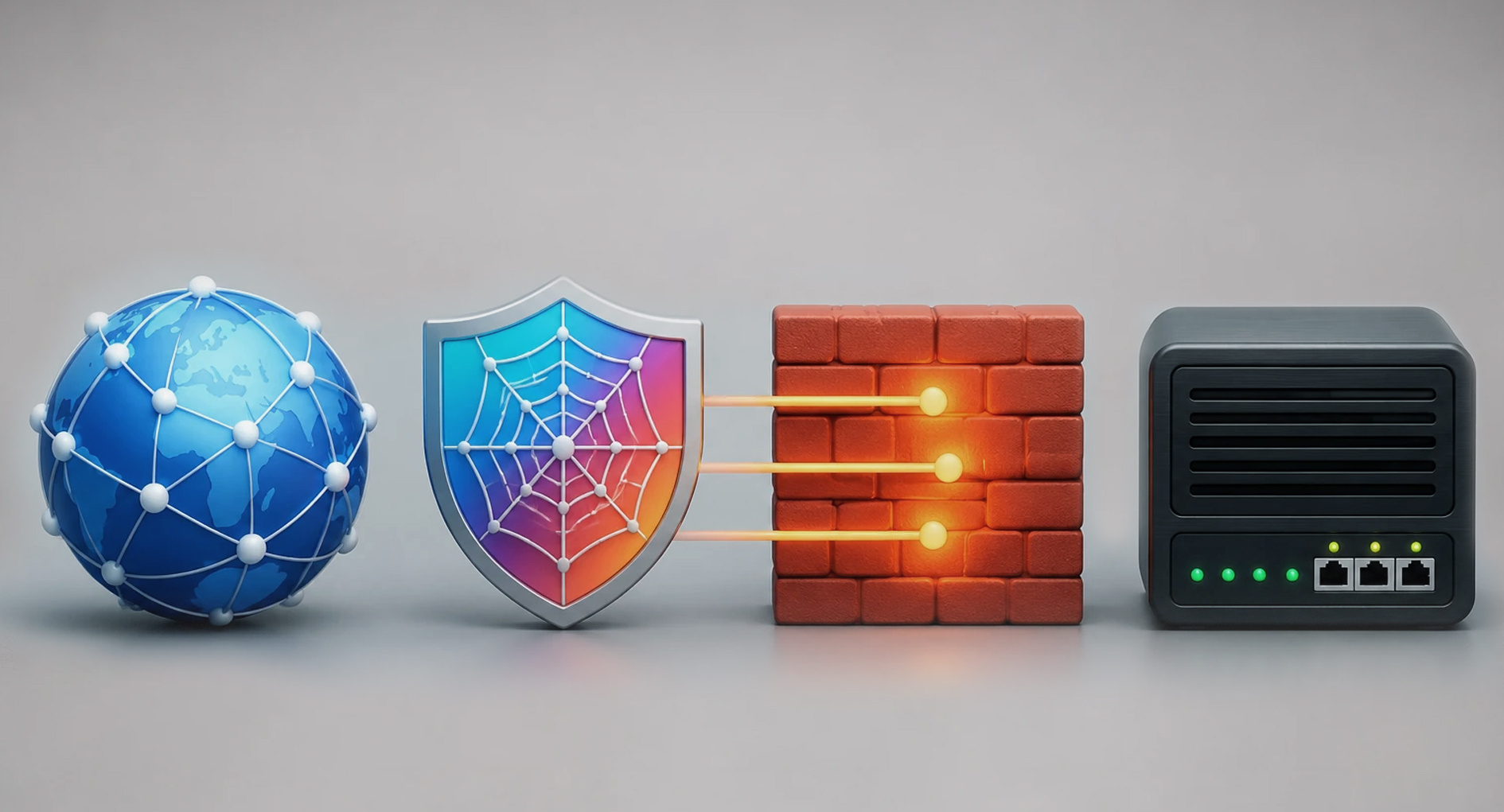
One of the most common confusion points in web security is understanding how a Network Firewall differs from a WAF. People often mix them up, but they actually do very different jobs. And here’s the important part, they work together to give you complete protection.
 Network Firewall: The Infrastructure Protector
A network firewall acts as your first line of defense at the infrastructure level. It focuses on controlling traffic at the lower layers of the OSI model (typically Layers 3 and 4). It makes decisions based on:
- Source and destination IP addresses
- Port numbers (like port 80 for HTTP or 443 for HTTPS)
- Protocols (TCP, UDP, etc.)
- Predefined rules (ACLs)
Think of a network firewall as a building security guard who checks your ID and which door you’re trying to use.
WAF: The Application Layer Traffic Analyst
A WAF, on the other hand, works at Layer 7 of the OSI model, the application layer. This means a WAF deeply inspects the actual content of HTTP/HTTPS requests. Its key capabilities include:
- URL analysis: Checking parameters and paths in the URL
- Header inspection: Looking at additional information sent with each request
- Cookie analysis: Detecting suspicious or tampered cookies
- Request body inspection: Examining data sent through forms, JSON, or XML
Here’s a real-world example. A network firewall might see an HTTPS request on port 443, find no obvious IP-level threats, and let it pass. But that same request could contain malicious code, XSS scripts or SQL injection commands, hidden inside. Because a WAF can actually read and understand web request content, it catches these attacks that would otherwise slip right past your network firewall.
In this same domain, Sepehr Anformatic’s monitoring software, with capabilities like traffic behavior monitoring, event logging, and abnormal pattern analysis — can help identify threats faster and complement WAF functionality.
How Does a Web Application Firewall Stop Web Attacks?
A WAF doesn’t rely on just one trick. It uses a smart combination of several defense mechanisms to protect your web applications from a wide range of threats. This multi-layered approach makes it much better at detecting and stopping even complex attacks.
-
Rule-Based Inspection
This is the core of how many WAFs operate. The WAF uses a comprehensive set of predefined rules, often called signature-based rules, built from known vulnerabilities and attack patterns (including the OWASP Top 10).
How it works: The WAF compares every incoming HTTP/HTTPS request against its rule database. If any part of the request, URL parameters, headers, body, or cookies, matches a known attack pattern (SQL injection, XSS, command injection, file inclusion, etc.), the WAF immediately flags it and takes action.
What actions can it take? It can block the request outright, quarantine it, log the event for later review, or send an alert to your security team.
-
Behavioral Analysis and Anomaly Detection
Instead of just looking for known attack patterns, this method learns what normal traffic and user behavior look like, then watches for anything unusual.
How it works: Over time, the WAF analyzes traffic patterns, request volumes, request types (GET vs POST), accessed paths, and even user behaviors like click patterns or time spent on pages. If traffic suddenly deviates significantly from this baseline, for example, a sudden spike in requests to a specific page or an unusually large amount of data in one parameter, the WAF flags it as an anomaly.
What happens then? Anomaly detection usually triggers alerts to your security team, because it could indicate a new attack, an unknown malicious script, or even a system error. With precise configuration, the WAF can also block requests that show severe anomalies.
-
Signature-Based Filtering
This method works a lot like antivirus software. The WAF maintains its own database of “signatures” for various malware types and known attack patterns.
How it works: The WAF scans different parts of each incoming request and compares them against its signature database, looking for traces of malware or malicious code.
Why this matters: Signature-based filtering is extremely effective at detecting attacks that have a clear, known pattern.
-
Threat Intelligence Integration
Advanced WAFs can connect to external threat intelligence feeds. These sources collect and share real-time information about malicious IP addresses, domains known for phishing, new malware, and emerging attack patterns.
How it works: The WAF receives and processes this live data, constantly updating its knowledge base. This helps it defend against new threats and even zero-day attacks that haven’t yet been added to its internal rules.
The result: Your WAF stays on the front line of defense against the latest cyber threats, even without manual updates.
-
Rate Limiting and Bot Management
Many modern attacks, especially DDoS and brute-force attacks, rely on automated bots sending huge volumes of requests in a very short time.
Rate Limiting: The WAF can limit how many requests from a specific source IP address or for a specific URL are allowed within a certain time period. This prevents server resource exhaustion.
Bot Management: More advanced WAFs can actually tell the difference between malicious bots and real humans by analyzing behavior patterns, browsing patterns, request speed, JavaScript execution capability, and even CAPTCHA responses. When it identifies a malicious bot, the WAF can block or restrict its access.
What Specific Attacks Does a WAF Protect Against?
A WAF is a critical tool for defending against common web security threats. Here are the most important ones it stops:
-
SQL Injection : Prevents malicious SQL code from being injected into your database through site inputs
-
XSS (Cross-Site Scripting): Detects and blocks malicious scripts that could execute in a user’s browser
-
CSRF: Helps prevent unwanted actions performed by users through forged requests
-
File Inclusion (LFI/RFI): Stops unauthorized files from being loaded or executed on your server
-
RCE (Remote Code Execution): Reduces the risk of attackers running arbitrary code on your server
-
Layer 7 DDoS: Fights application-layer attacks through traffic behavior analysis and rate limiting
-
Known CMS/Framework exploits: Protects against common vulnerabilities in content management systems and frameworks
What Are the Main Types of WAF?
WAFs come in several different deployment models. Each one fits specific situations. Your choice depends on factors like your organization’s size, traffic volume, how much control you need, and your budget.
-
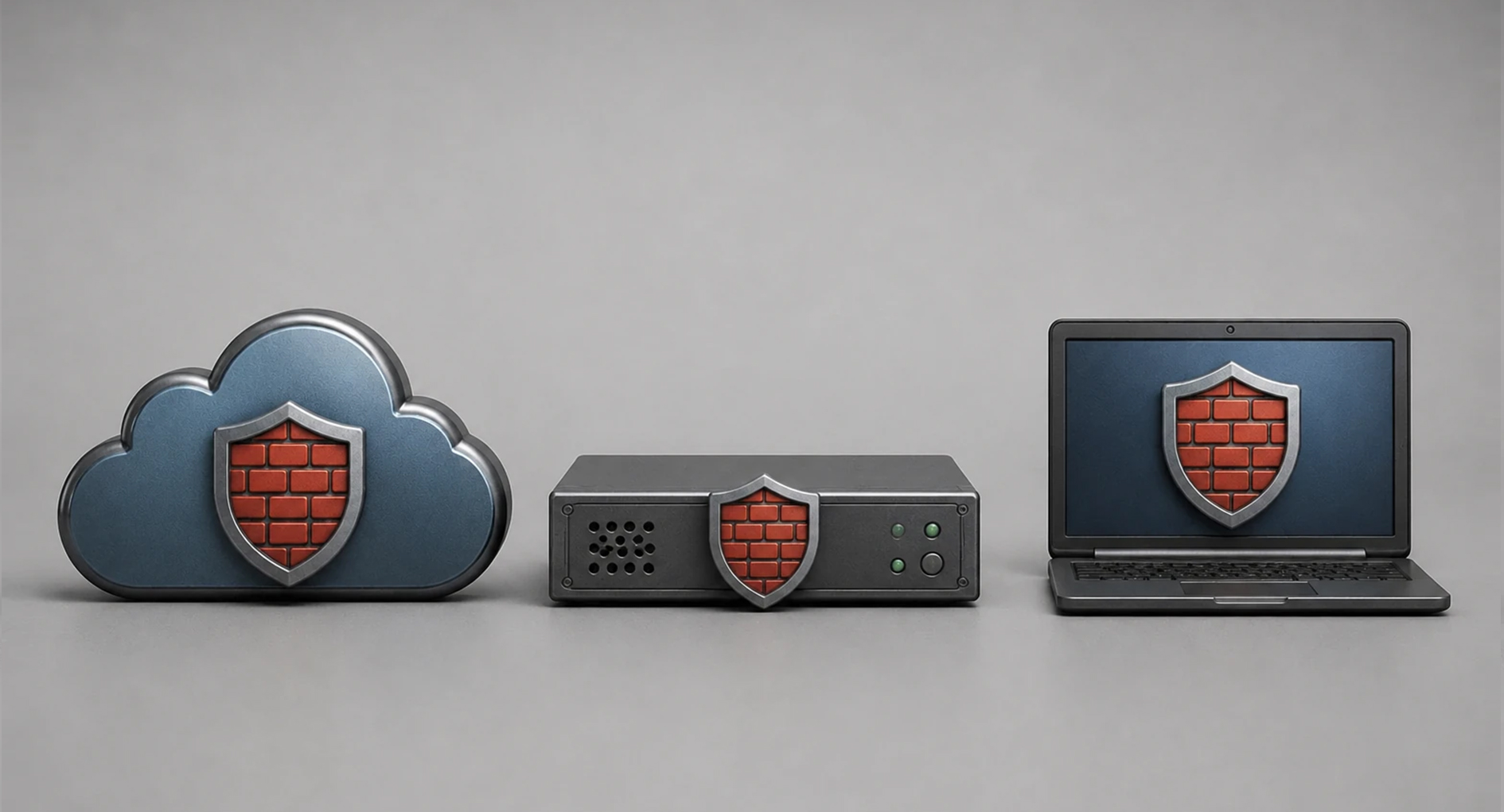
Cloud WAF
A cloud WAF runs on the service provider’s infrastructure. You can usually start using it quickly without buying hardware or dealing with complex installation.
Pros: Fast deployment, high scalability, less hardware dependency
Cons: Relies on the service provider, gives you less control than on-premise options
-
Hardware WAF
With this model, you install a physical device in your data center or network. Large organizations or high-traffic environments typically use hardware WAFs because they offer more control over traffic and security settings.
Pros: High control, great for large organizations, stable performance
Cons: Higher cost, requires maintenance and technical expertise
-
Software WAF
A software WAF installs on your server or runs as a software package. This gives you a lot of flexibility. Technical teams that want fine-grained control over security settings often choose this option.
Pros: Lower upfront cost, great for technical teams, highly customizable
Cons: Depends on your server’s resources, needs careful configuration
-
Hybrid WAF
A hybrid WAF combines multiple deployment models. Organizations with complex infrastructure often choose this approach because it tries to give you the best of several methods at once.
Pros: High flexibility, better security coverag
Cons: More complex to manage, requires careful design
What Are the Key Benefits of Using a WAF?
Using a web application firewall gives you more than just attack prevention. It delivers multiple layers of value for your application’s security and stability.
Stronger application security → Adds an extra defense layer that dramatically reduces risk from web vulnerabilities, both known attacks and zero-day threats
Lower risk of data breaches → Effectively blocks common web attacks like SQL injection and XSS, minimizing the chance of sensitive data exposure
Helps meet compliance requirements → Many security frameworks, including PCI DSS for credit card processing, require proper WAF configuration as a key control
Controls automated attacks → Very effective at identifying and stopping malicious traffic from bots, scanners, and automated attacks, which also frees up server resources
Protects user experience → When under attack, your site can still serve legitimate users because the WAF blocks threats at the edge before they disrupt service
Secures your APIs → In modern architectures, APIs connect critical services. A WAF applies security rules to API traffic, protecting them from attacks and
maintaining data integrity
Using a WAF alongside a monitoring solution like Sepehr Anformatic’s monitoring system gives you better visibility, more effective alerting, and deeper security
event analysis. This helps your security team make faster decisions when facing attacks.
What Limitations Does a WAF Have?
Even though a WAF plays a critical role in improving your security posture, you should never see it as a complete or perfect solution. Understanding its technical limits is essential for building an effective, multi-layered defense strategy.
- It’s not a replacement for secure coding: A WAF provides perimeter defense, it doesn’t fix weak code. Secure development practices remain your primary defense.
- Misconfiguration causes problems: Incorrect settings can create “false positives” that block legitimate traffic, frustrating real users.
- You must maintain it: Your WAF‘s rules and signatures need continuous updates to stay effective against new attack methods.
- It’s not sufficient on its own: A WAF doesn’t cover every attack vector. You need it as part of a complete security ecosystem, including SIEM, EDR, IAM, and a secure software development lifecycle.
Because a WAF alone can’t handle every threat scenario, pairing it with complementary tools like monitoring solutions gives you better visibility, behavioral analysis, and security alerting. This combination makes your overall security architecture much more effective.
Does Your Business Actually Need a WAF?
Generally speaking, any website can benefit from a WAF. But for some types of sites, it’s not just beneficial, it’s essential.
You should seriously consider a WAF if you have:
- An online store
- A financial services website
- Educational platforms or user portals
- Any website with logins and sensitive data
- Public APIs
- A site that’s constantly scanned or attacked
If your business depends on your website’s security and uptime, a web application firewall deserves a spot near the top of your security priority list.
How Do You Choose the Right WAF for Your Needs?
Picking the right web application firewall goes beyond just looking at brand names. You need to honestly assess what you actually require.
Specific Questions you need to ask before choosing the right WAF:
- What’s your site or application architecture?
- How much traffic do you handle?
- How many APIs and services do you run?
- What’s your technical team’s skill level?
- What’s your budget?
- Do you need detailed reporting and logging?
- Can you integrate it with your other security tools?
- What does support and update coverage look like?
Conclusion
If you run a website where users enter information, register accounts, make online payments, or use APIs, you should seriously consider using a web application firewall.
A WAF gives you an effective defense layer that protects your web applications. It detects and blocks many common attacks before they ever reach your application code. That means lower security risk, better service uptime, and more confidence for both your technical team and your business.
With web attacks getting more sophisticated every day, a WAF is no longer a nice-to-have option. For any online organization, it’s become a basic security requirement. Combining a WAF with Sepehr Anformatic’s monitoring software creates an effective approach to increase visibility, detect threats faster, and improve security response across your web infrastructure.
Ready to protect your web applications? Start by assessing your traffic patterns and vulnerabilities. Then choose the WAF deployment model that fits your team, budget, and risk profile.